User research
Interviews and observation with real people from your audience. Findings written down, not just a video nobody watches later.
Research-led interface design — user flows, prototypes and design systems that make your product obvious to use and consistent everywhere it appears.
About this service
UI is what people see and touch. UX is whether it helps them get the job done. The two are usually sold together and often confused, but they are different problems — an interface can be beautiful and still be confusing to use.
Watching a few people try the current version tells us more than an hour of discussing what they might prefer. The design follows what we find, including when that contradicts the brief.
You get components and tokens rather than a folder of one-off mockups. The tenth screen costs a fraction of the first, and the product stays consistent as it grows.
Good design removes decisions. Someone opening your product should not have to work out where to go next, because the answer is already obvious from the layout. That is what we are aiming for.
We work from research rather than taste. Watching a few people try the current version tells us more than an hour of discussing what they might like. It also stops the redesign being a matter of who in the room has the strongest opinion.
Interfaces people understand instantly.
Scope
Interviews and observation with real people from your audience. Findings written down, not just a video nobody watches later.
The structure, with every path mapped — including the ones people should not take. Cheap to change, so this is where changes happen.
A working version you can hand to people and test, before anything is built.
Every screen and every state, ready to build from, with spacing, type and colour specified rather than approximated.
Reusable components and the rules for using them, so a screen added in a year still looks like the same product.
Contrast, focus order, labels, and keyboard use checked against WCAG AA. This is a requirement for most public sites, not an optional extra.
Cost
Design is priced on scope, and scope in design is mostly the number of screens and how much testing the work needs. What moves the price:
Design can be bought on its own, and for a new product that is often the right call — validate the idea before paying to build it. If you have an existing product that people struggle with, a design review is cheaper than a full redesign and often finds the actual problem.
Process
Interviews and observation. We are looking for the job people are trying to do, which is rarely the job your product is named after.
Every path through the product, including the failures. Most usability problems are structural and are solved here, not in the visual layer.
Deliberately plain. Structure first, so the conversation is about whether it works rather than whether anyone likes the colour.
Clickable, in front of real people. Findings feed straight back in; this is where the biggest improvements come from.
Final screens, a component library, and a walkthrough with whoever will build it.
Tools
The shared source of truth for design, prototype and handoff
One definition of spacing, colour and type, reused everywhere
Every component shown in one place, so drift is visible
Contrast and order checked in the design, not after launch
Testing prototypes with people rather than colleagues
Fit
Proof
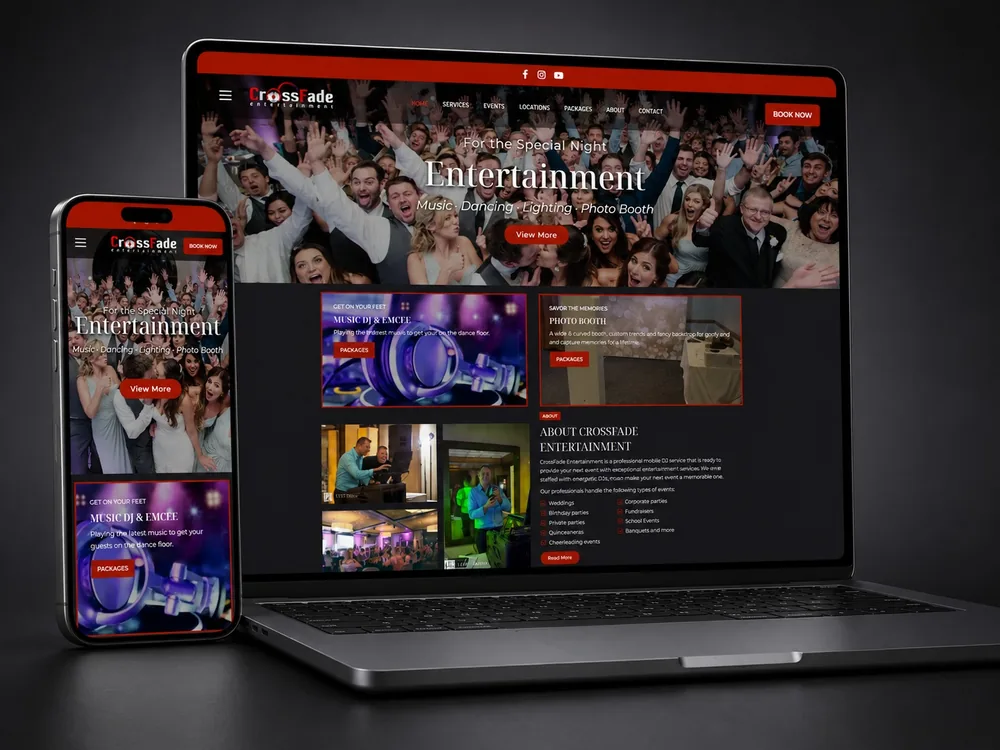
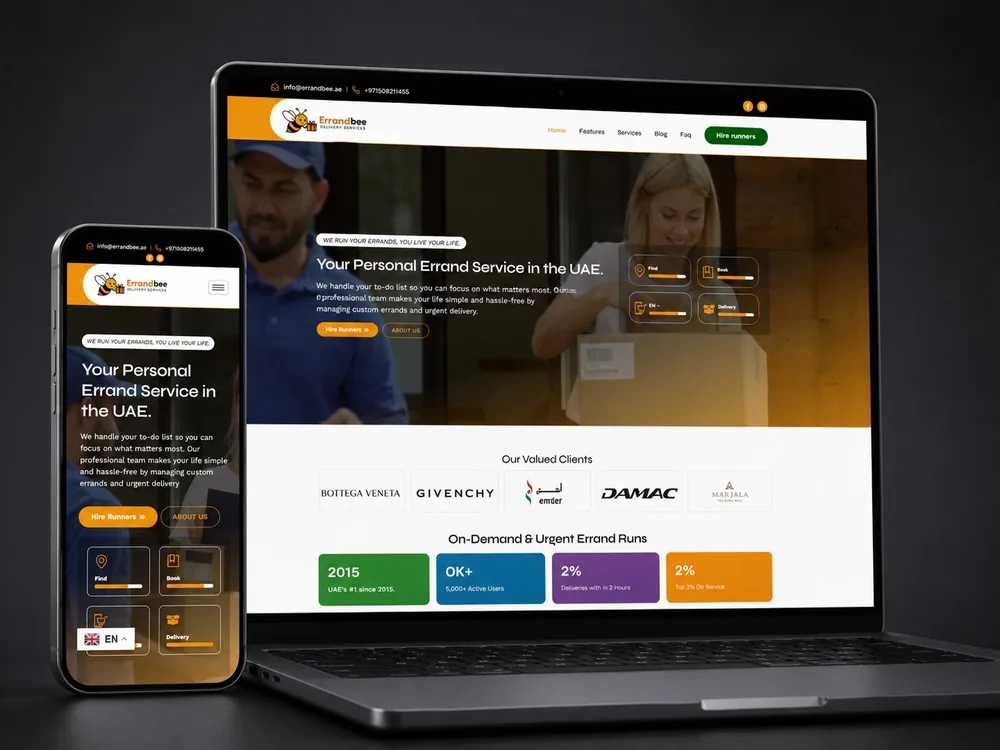
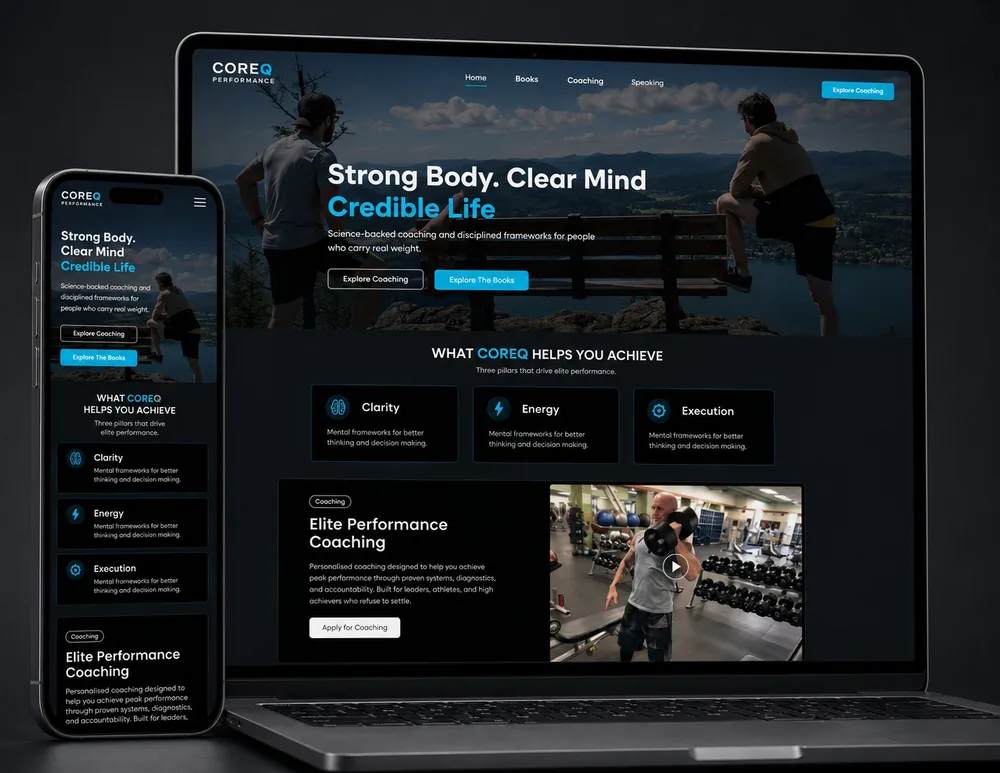
A few projects where the website had a clear job to do. Open one to see what changed for the business.
Questions
If your question is not here, ask it directly. We answer honestly, even when the answer is that we are not the right fit.
If people struggle to use something, that is UX: the structure, the flows and the decisions. UI is how it looks once that is right. Most projects need both, and we will tell you if yours only needs one.
Yes, and for a new product it is often the smartest order. Validating the interface first costs a fraction of building it and can save you from building the wrong thing.
By testing it with people from your audience and watching where they hesitate. A design can look finished and still lose people; that is only visible with real users, and it is the reason research is in the process rather than after it.
A Figma file with every screen and state, a component library, and a walkthrough for whoever builds it. The file is yours, and it stays editable.
Contrast, focus order, labels and keyboard use are reviewed against WCAG AA as part of the work, not sold as an extra. Most public sites are legally required to meet it.
One per stage is built into the fee. Beyond that we quote each round before starting it, so you are choosing rather than being surprised.
Why work with us
You work directly with the developer doing the work. No account managers, no hand-off, no disappearing once the invoice clears.
Selected clients




Free · No obligation · 24hr response
Tell us where you are and where you want to go. You will get a written scope, a fixed price and an honest timeline — before you commit to anything.
or email info@developmentbyniaz.com